The warden of your data and your agents.
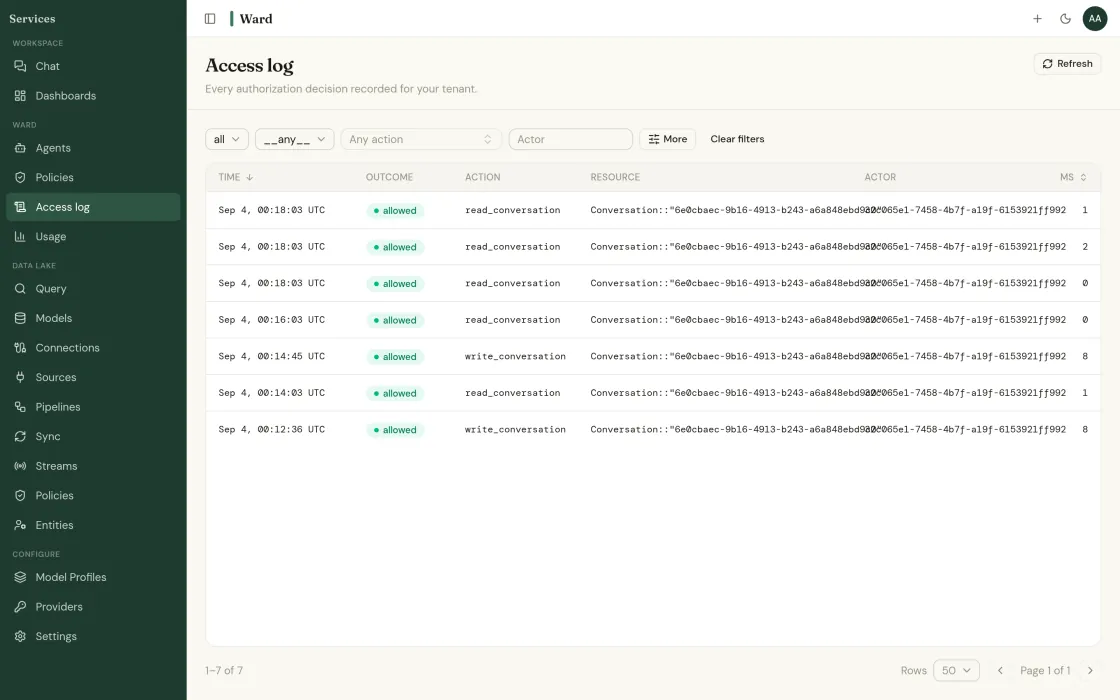
The name is literal: infrastructure for AI needs guardrails, and Ward is the warden that holds them. Most teams that want agents on their data stop at the security review. The problem is never the model. It is that nobody can say what the agent is allowed to read, what it did last Tuesday, or what happens when it is wrong. Ward makes those three things answerable before you write the first agent.
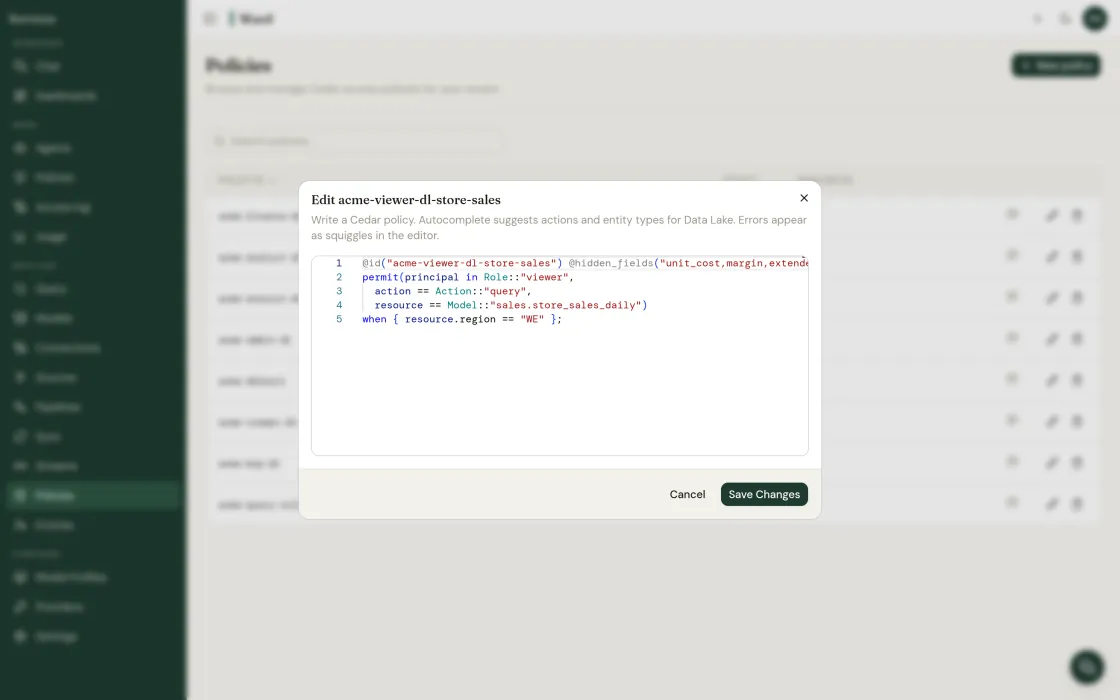
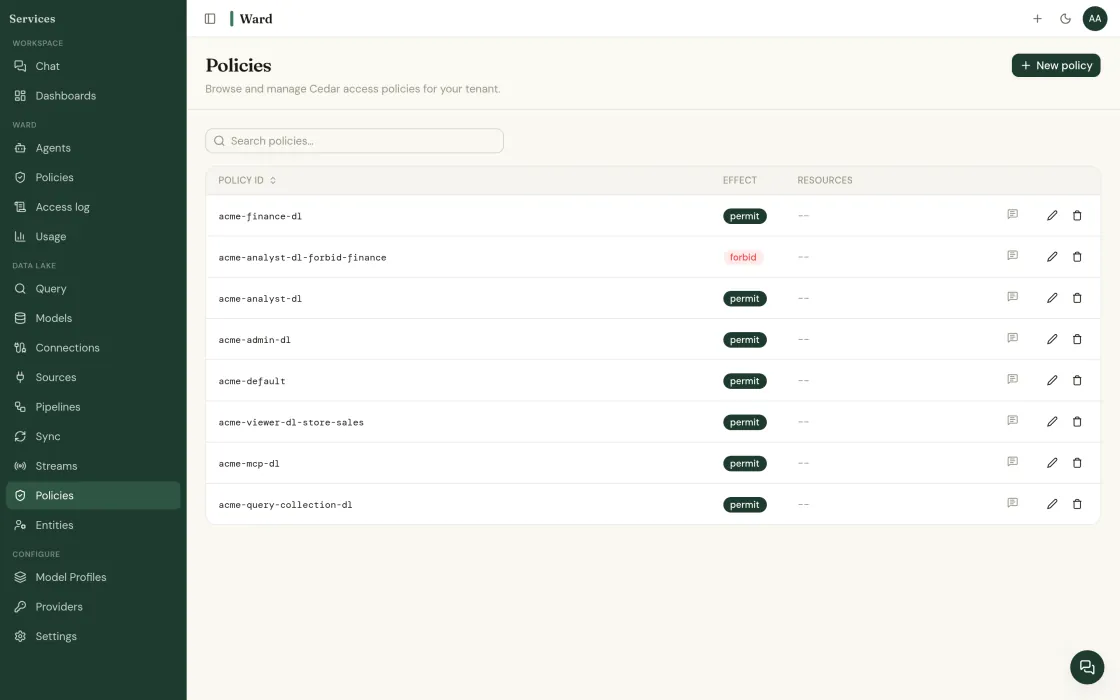
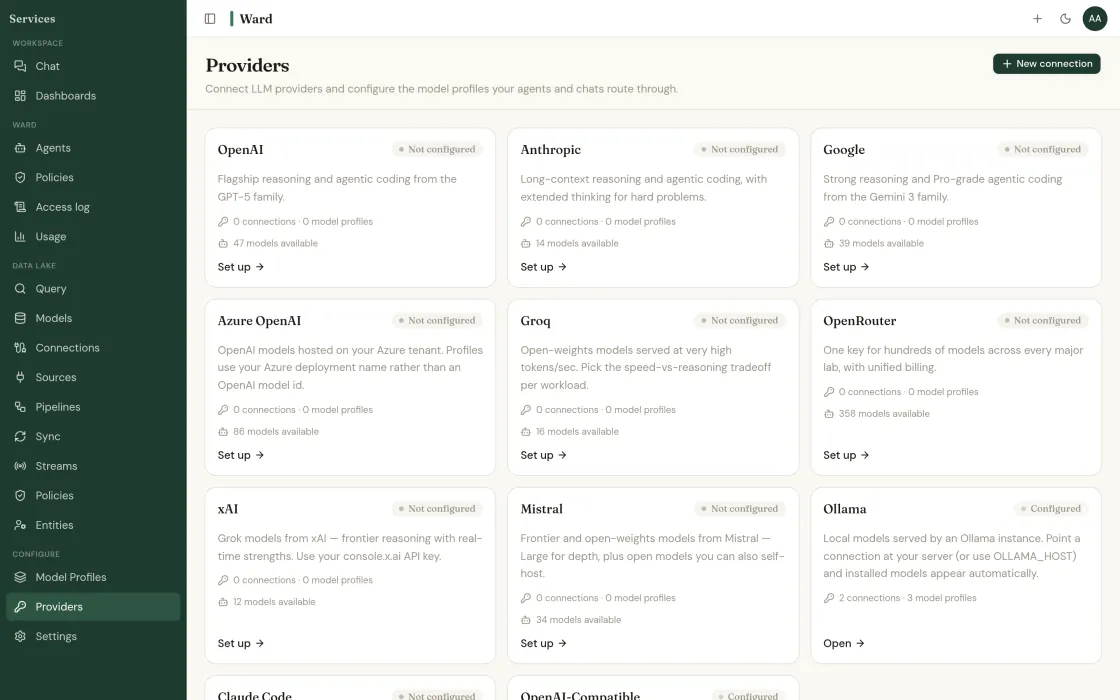
Agents on your own data that run with the permissions of the person who starts them, with every access logged.
An agent runs with the permissions of the user who starts it. It cannot see a row that person could not.
Ward AI drafts the agent definition and its permission scope from a plain-English brief. You approve the scope before it runs.
Read-only by default. Write actions require an explicit grant and leave a record.
Every access is logged with the policy that allowed or denied it.
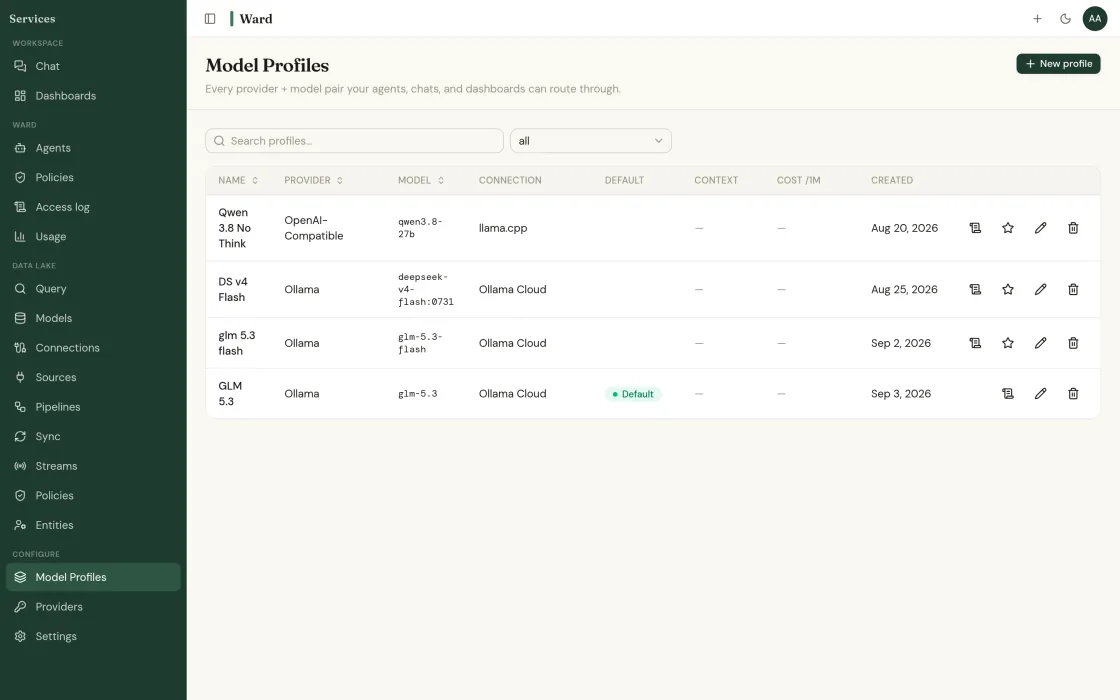
You choose the model providers. A policy decides who may change them.
What this looks like when you actually use it.
Scope is declared, not prompted
An agent reaches the sources on its list and nothing else. Not the ones it can name, not the ones it can guess, not the ones a clever instruction talks it into. Scope is enforced when the query runs, below the model, so prompt injection cannot widen it.
Ward AI drafts, you approve
Describe the job in plain English and Ward AI proposes the agent and the permissions it would need. The proposal sits there until a human approves it. Nothing runs on a draft.
Five more primitives. Adopt them in any order.
Data lake
Its own engine. Query in place or sync.
Ward's own data lake engine: columnar, indexed, partitioned and clustered, with live databases joined in place.
Read more →Connectors
540 sources. Read-only by default.
Managed ingestion from warehouses, lakes, SaaS APIs, databases and flat files.
Read more →Semantic layer
One definition of revenue. Enforced.
Metrics, dimensions and grain defined once and enforced everywhere, including in what agents are allowed to compute.
Read more →Query and chat
Ask in English. Every answer shows its work.
Natural language across every source, with each figure linked to its query and source rows.
Read more →Governance
The answers your security review needs.
Row- and column-level policies applied in real time, per-tenant isolation, and one access log for people and agents.
Read more →Start with one source.
Deploying is free. The whole console, every connector, and nothing to license.
Read-only to start · your LLM keys · SOC 2 Type II underway · or book a call directly
Find out what your data has been hiding.
Tell us about your operation. We’ll show you the problems Ward catches, and the ones your current tools miss.