Ask in English. Every answer shows its work.
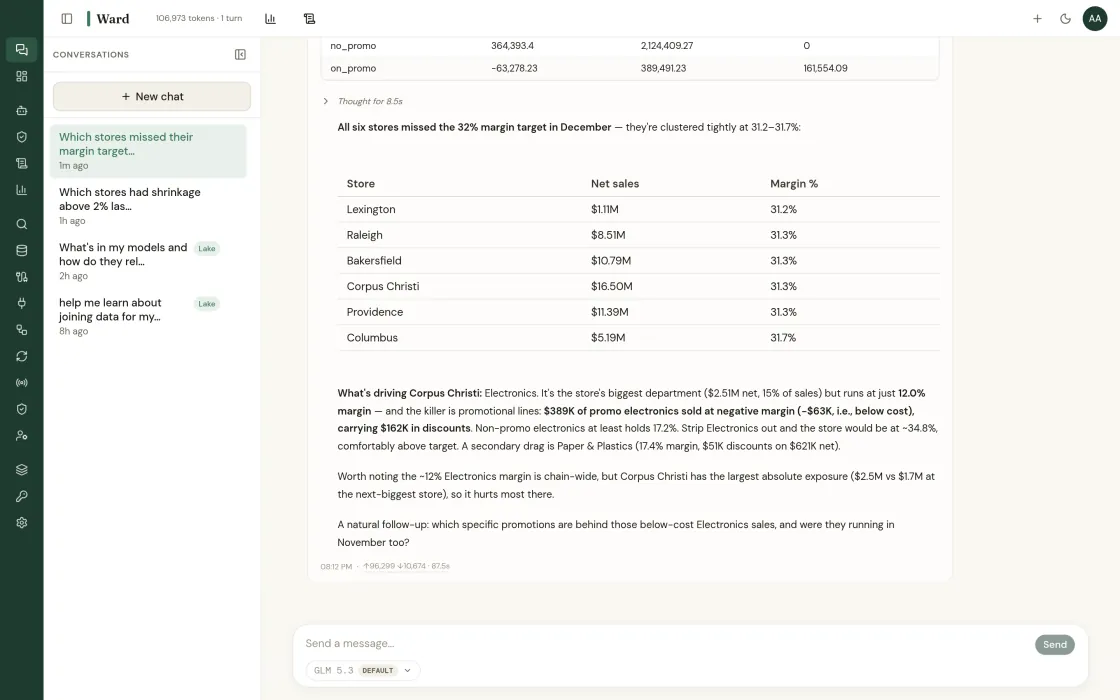
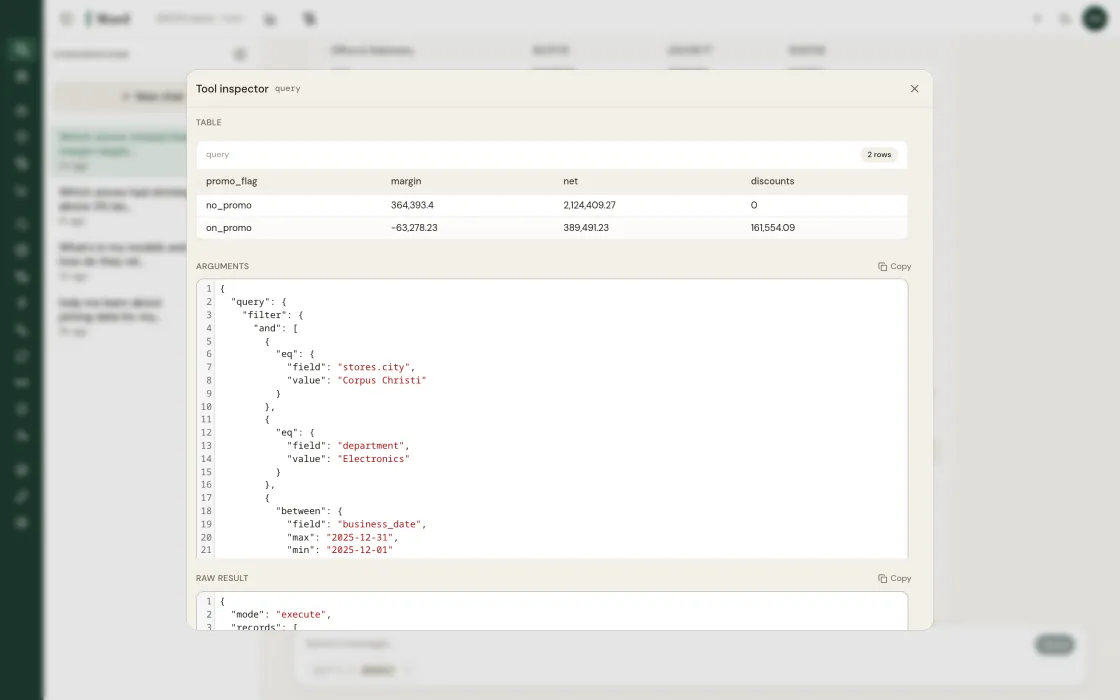
Ward answers in a sentence, and every figure in the sentence is a citation. Hover it and you see the source rows, the query that produced it, and the three checks it passed: valid data, an efficient query, and an answer to the question you asked. A figure that fails a check is not shown to you with a warning. The query is rewritten and checked again.
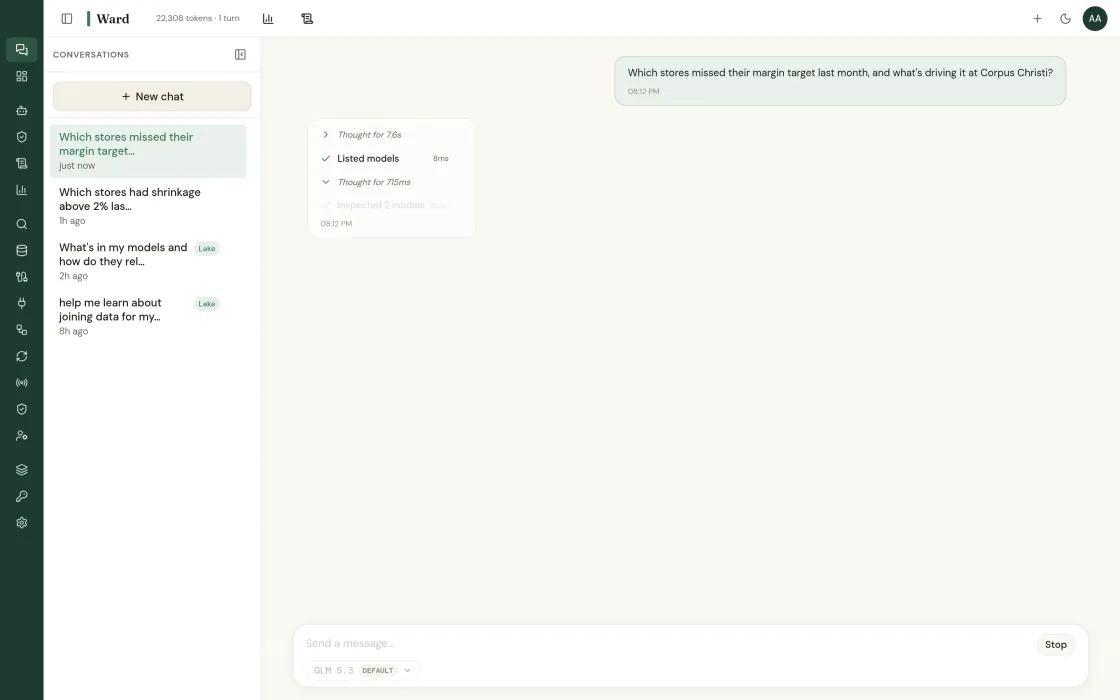
Natural language across every source, with each figure linked to its query and source rows.
Every figure links to its query and the rows it came from.
Checked for valid data, query efficiency and relevance before the answer returns. Failures loop back.
The model writes the queries and the sentence. The data lake computes every number.
Thin data comes back as suggested questions, not a guess.
Schedule a dashboard and Ward regenerates it and says what changed.
The checks, figure by figure: how the proof chain works.
What this looks like when you actually use it.
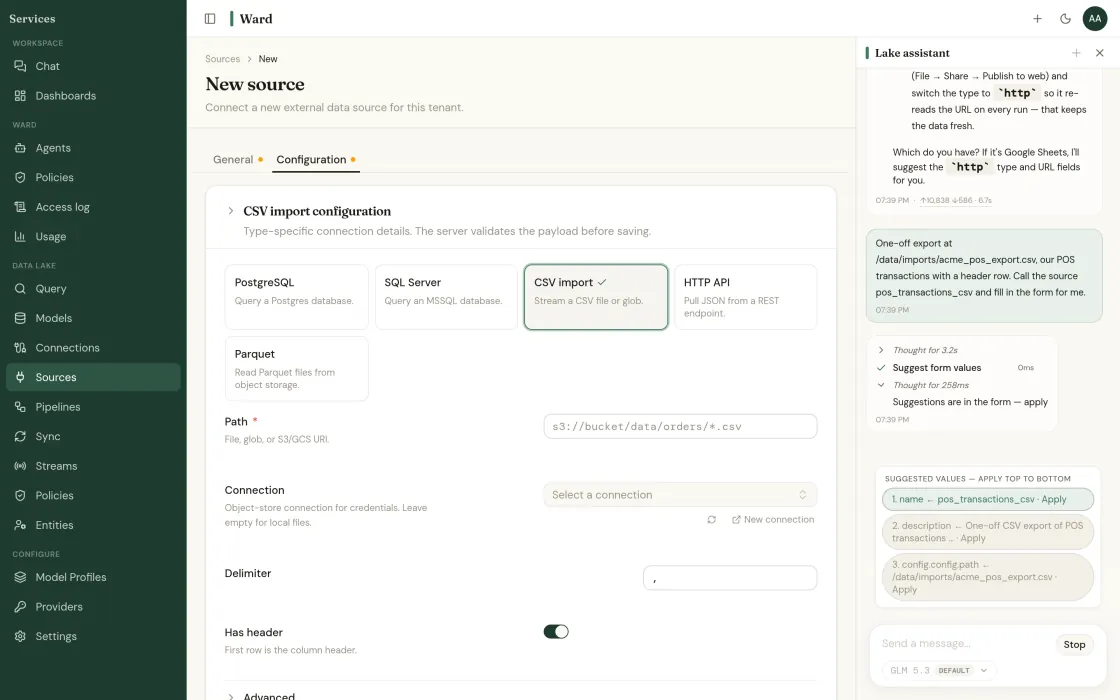
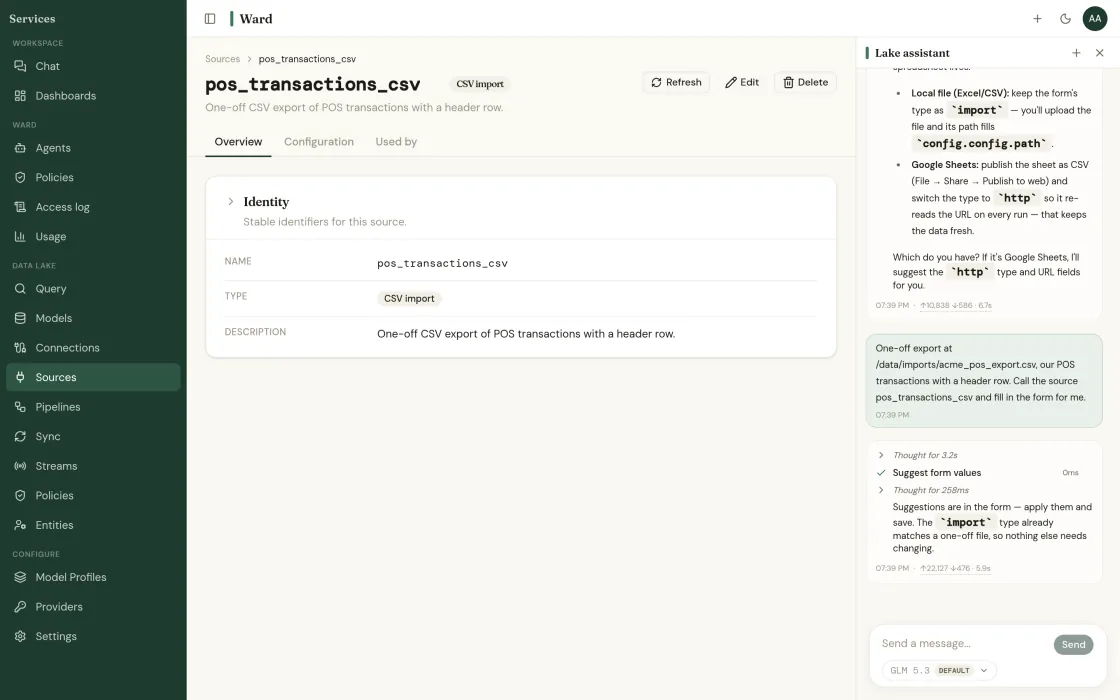
Add a source
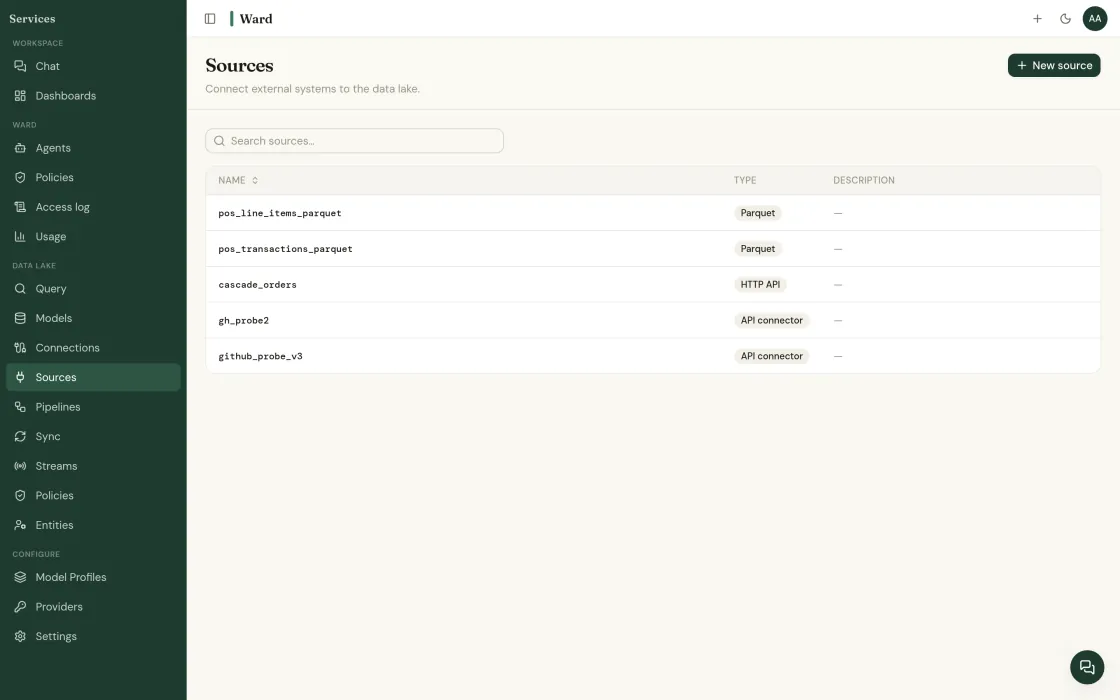
Sources, then + New source. Pick your warehouse, lake, ERP or POS and give Ward a read-only credential scoped to the schemas you name. Ward reads the schema and shows you what it found before anything else happens.
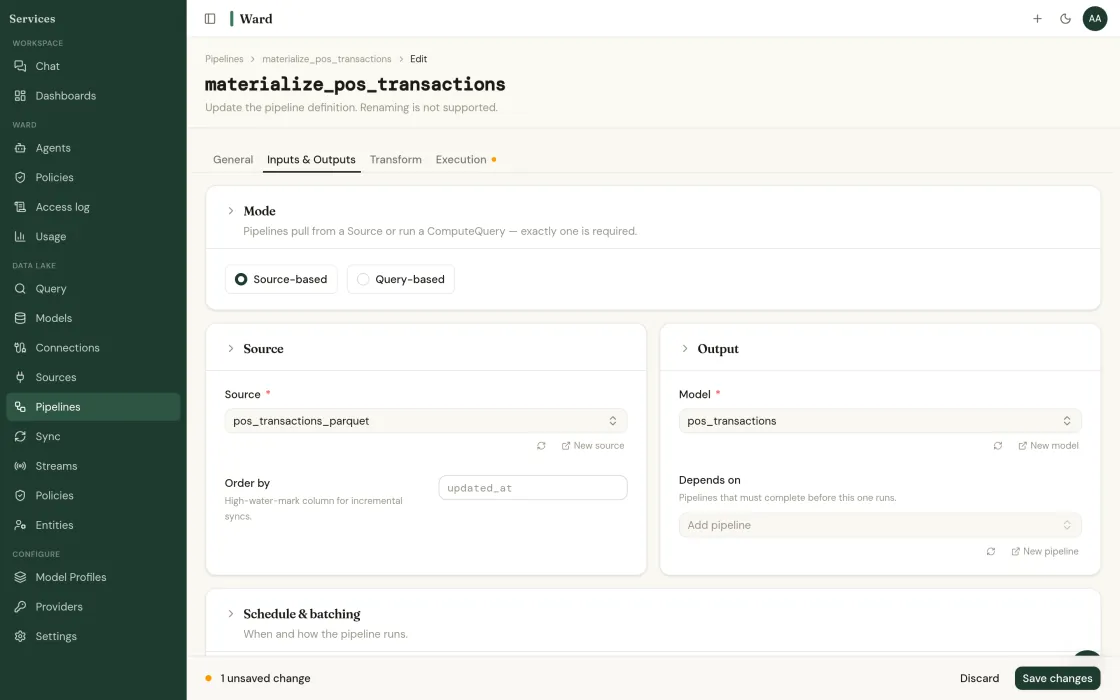
Review what Ward AI drafted
Ward profiles what landed and drafts the cleaning and conforming rules. They arrive as a proposal, not as a running pipeline. You read the diff and approve it, the same way you would review a colleague's work.
Five more primitives. Adopt them in any order.
Data lake
Its own engine. Query in place or sync.
Ward's own data lake engine: columnar, indexed, partitioned and clustered, with live databases joined in place.
Read more →Connectors
540 sources. Read-only by default.
Managed ingestion from warehouses, lakes, SaaS APIs, databases and flat files.
Read more →Semantic layer
One definition of revenue. Enforced.
Metrics, dimensions and grain defined once and enforced everywhere, including in what agents are allowed to compute.
Read more →Agent runtime
The warden of your data and your agents.
Agents on your own data that run with the permissions of the person who starts them, with every access logged.
Read more →Governance
The answers your security review needs.
Row- and column-level policies applied in real time, per-tenant isolation, and one access log for people and agents.
Read more →Start with one source.
Deploying is free. The whole console, every connector, and nothing to license.
Read-only to start · your LLM keys · SOC 2 Type II underway · or book a call directly
Find out what your data has been hiding.
Tell us about your operation. We’ll show you the problems Ward catches, and the ones your current tools miss.